Technical details: picture, connecting, which PC
- Picture
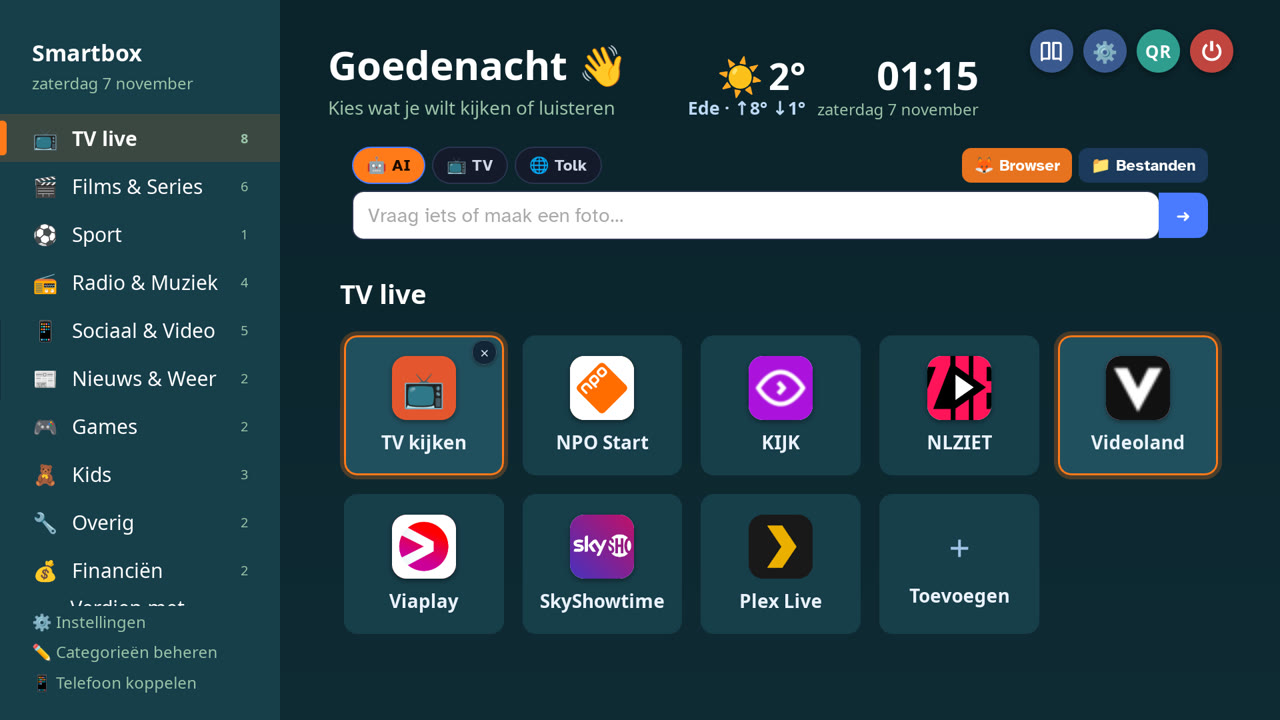
- Full HD (1080p). Adjusts automatically to your TV or monitor.
- Connecting
- HDMI to your TV or monitor. If you need DisplayPort to HDMI, choose an active adapter.
- Internet
- Wi-Fi or network cable. A regular broadband connection is enough.
- Controls
- Easiest with a (wireless) mouse. A keyboard is optional, and your phone also works as a remote.
- Voice and interpreter
- Works with a USB microphone, a webcam with microphone or a headset. You can always type.
- Which PC
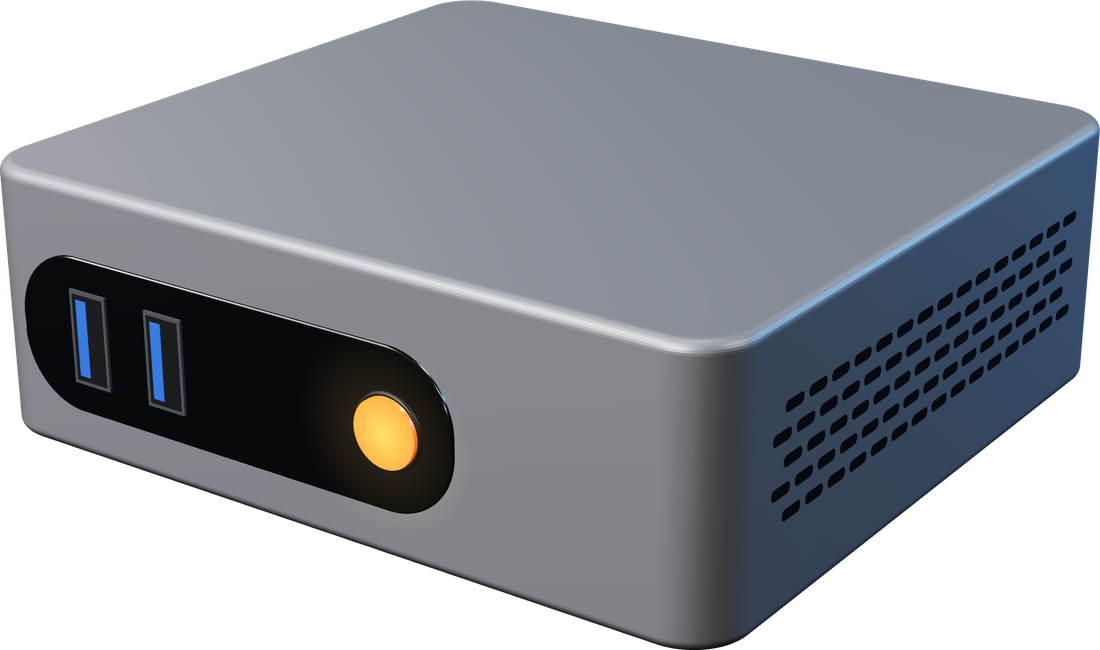
- A 64-bit PC, laptop or mini PC with at least 2 GB of memory. Older PCs often work fine too.
- Make your own stick
- Use a brand-name stick (USB 3.0) of at least 8 GB with its own serial number, for example a SanDisk Ultra. With 16 GB or more you have room left for your settings and files. Instructions come with your download.
Do I need a subscription?
No, not for the Smartbox itself. You pay once, and almost everything after that is free: watching TV, the smart assistant, the interpreter, games and editing. Only the extra powerful creators in AI Studio (like videos and songs) use credits, which you only buy if you want to. For paid services like Netflix or Videoland you use your own subscription.
Can I use AI Studio without a Smartbox?
Yes. Go to studio.smartbox-tv.nl and create an account with your email address and a password. You get 10 credits to try it out after you confirm your email address. You buy credits with the same codes as on the box.
Is it legal?
Yes. The Smartbox only comes with free-to-air channels. You open paid services with your own account, just like on a smart TV. There are no illegal streams or channel packages in it.
Boot USB or quick install: which one do I choose?
If you still want to use your PC normally, choose the boot USB: with the stick in, Smartbox starts; without it, your own system. If you have a PC or mini PC you only use as a TV box, choose the quick install. It starts faster, but erases everything on that PC.
Will it work on my PC and TV?
On most 64-bit PCs, laptops and mini PCs, connected via HDMI to your TV or monitor. Not sure? Send the brand and model of your PC and I'll check it with you.
What if something doesn't work?
Send a message on WhatsApp describing what you see, and I'll help you further.
On how many devices can I use it?
One licence belongs to one stick or one PC. If you want Smartbox on more TVs, you need a licence per device.
How do I receive my order?
You get a download and your licence key right after payment. You order a ready-made stick or TV Smartbox in the web shop; it is prepared, activated and shipped within the Netherlands in 1 to 3 working days (shipping € 4.95 for a stick, € 6.95 for the box). You'll hear as soon as it's shipped.
Can I cancel my purchase?
Yes. For a TV Smartbox, a ready-made stick or a Home VPN subscription you have a 14-day cooling-off period, no reason needed. Use the button Cancel purchase. For downloads and credits you agree to immediate delivery at checkout; no cooling-off period applies there. If something doesn't work as promised, we'll fix it.
Does it work on a Raspberry Pi?
We're working on it. Let us know if you're interested and you'll hear when it's ready.